To cancel your Quick Quack Car Wash membership, use the myQQ web portal or app, email info@dontdrivedirty.com, or call Customer Care at 888-772-2792.
Submit your cancellation request at least 10 days before your next renewal date to avoid another charge, and keep your confirmation email or support reply as proof.
This guide walks you through each cancellation option, what details to have ready, and what to do if your membership renews or you are charged after trying to cancel.
Quick Answer
- Best place to cancel: myQQ website/portal or myQQ app
- Where to find it: Account > Settings > Cancel Your Membership
- Phone assistance: 888-772-2792
- When it ends: Your membership stays active through the current paid period
- Proof to keep: Confirmation email, screenshot, support reply, or call notes
- Important: A failed payment does not cancel your membership
Before You Cancel
Before sending your cancellation request, check your renewal date and gather the account details Quick Quack Car Wash may use to verify your membership. This helps avoid delays, especially if your next billing date is close.
Check Your Renewal Date
Quick Quack memberships renew automatically, so timing matters. Try to cancel at least 10 days before your next billing date to reduce the chance of another monthly charge.
Gather Your Account Details
Have these details ready before you contact Quick Quack:
- Full name on the membership
- Email address and phone number on the account
- License plate number or VIN (Vehicle Identification Number)
- Last 4 digits of the payment card
- Renewal date or most recent charge date
Choose the Best Cancellation Method
| Cancellation Method | Best For | How to Use | Time / Speed |
|---|---|---|---|
| Official website [myQQ] | Most members who want to cancel online | Sign in to myQQ, then go to Account > Settings > Cancel Your Membership | Usually fastest self-service option |
| myQQ mobile app | Members who manage their account from a phone | Download myQQ app, sign in, then Cancel Your Membership | Usually fast if the app works correctly |
| Members who want written proof | Email cancellation request at info@dontdrivedirty.com with your account details | Slower than myQQ or phone; send at least 10 days before renewal | |
| Phone | Members who cannot access myQQ or have urgent billing issues | Call Customer Care at 888-772-2792 and ask for cancellation help | Best for urgent help during support hours |
| In person | Members already visiting a Quick Quack location | Ask a team member if they can help with your membership or direct you to Customer Care | Varies; may not resolve billing issues directly |
After canceling, your membership should stay active through the end of the current paid period, and no further payments should be drawn.
How to Cancel Quick Quack Car Wash Membership
Quick Quack memberships can be canceled in myQQ through the app or website. If you cannot access myQQ, call Customer Care at 888-772-2792 for cancellation help.
Method 1: Cancel Quick Quack Car Wash Through the myQQ Website
You can cancel your Quick Quack membership online by signing in to myQQ and opening your account settings.
Open the Quick Quack website
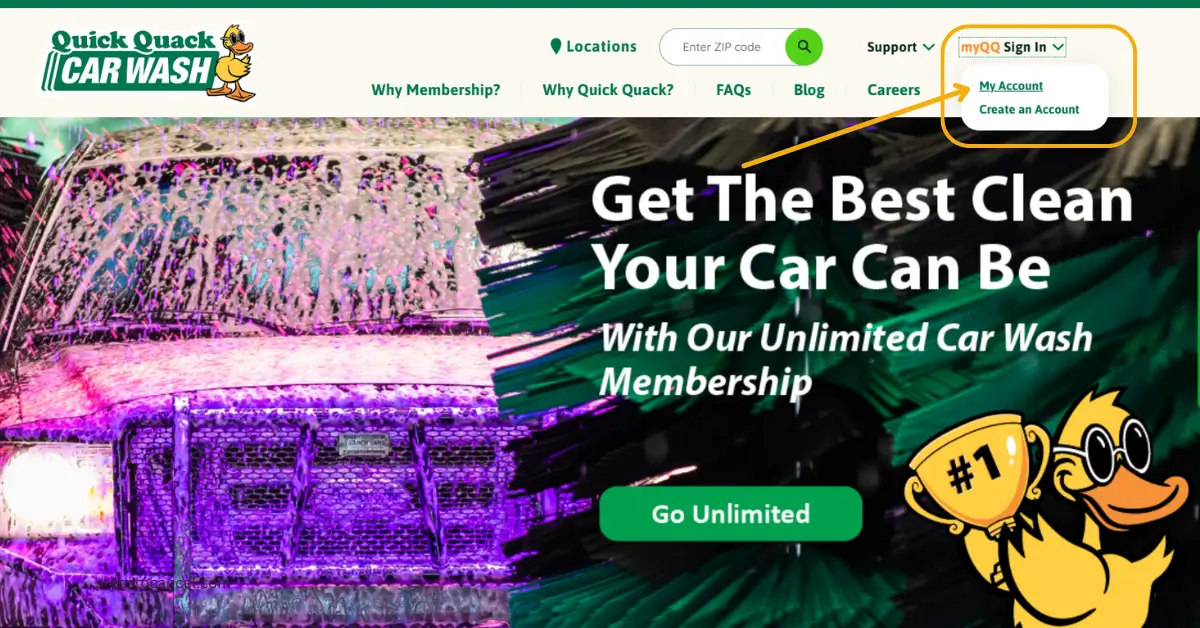 Open the official website at https://www.quickquack.com/.
Sign In or Create an Account
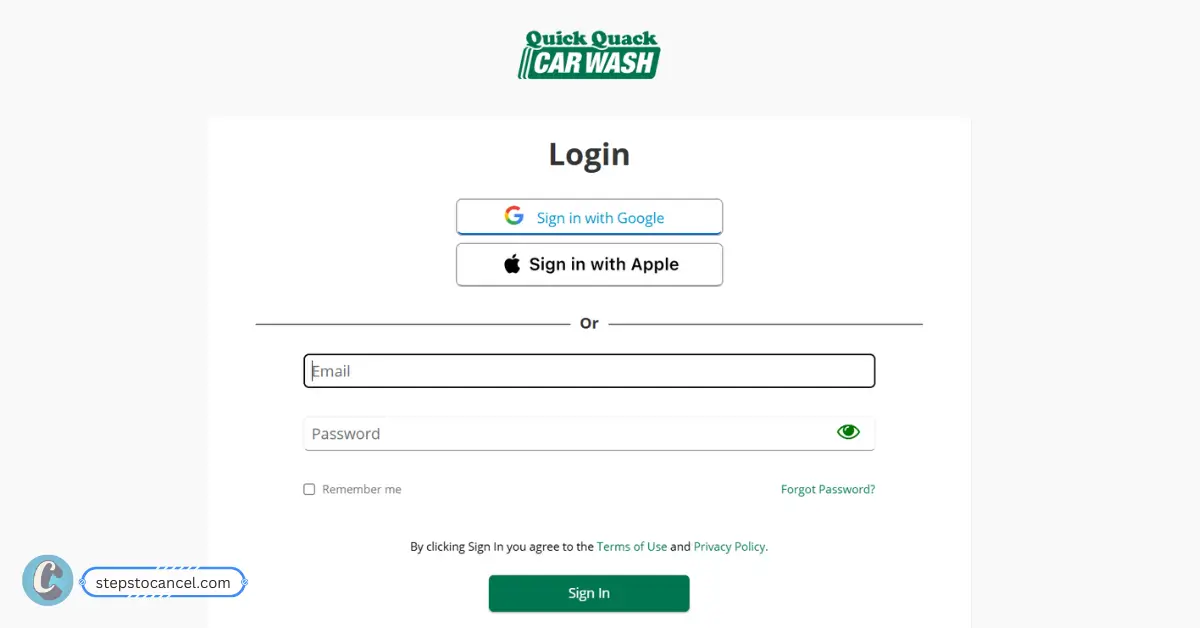 Log in with your registered email and password. You may also be able to sign in with Google or Apple.
If you have not used myQQ before, select Create Account and follow the sign-up steps.Locate Your Membership
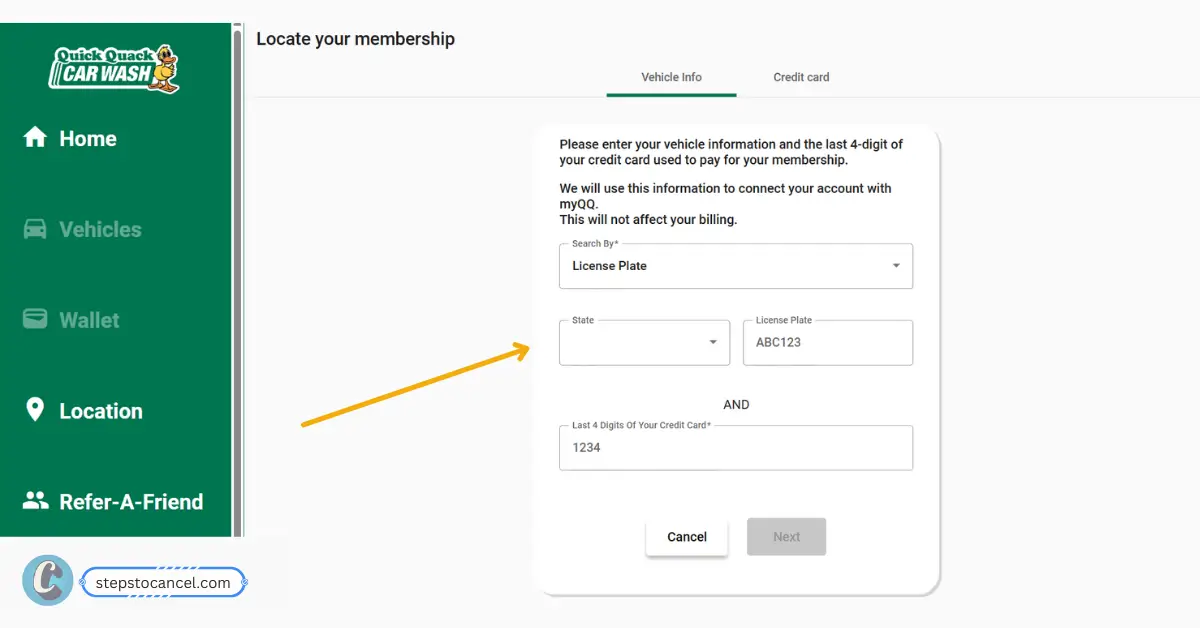 If your membership is not showing in myQQ, select Locate Your Membership. You can search for it using your vehicle details:
License plate number and state, or VIN + Last 4 digits of the credit card used for the membership
Once myQQ finds your membership, link it to your account.Cancel Your Membership
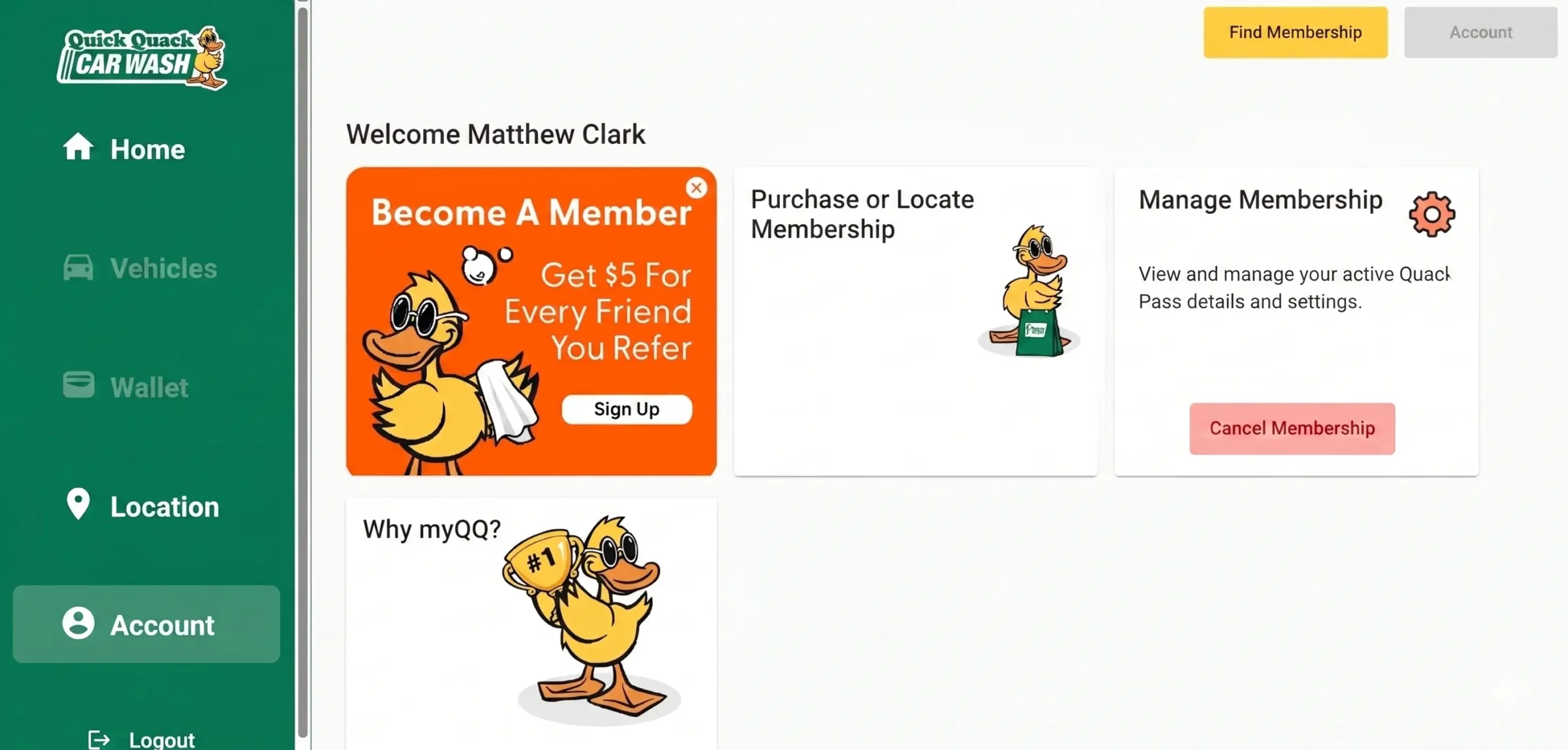 Click on Account on sidebar, then go to Settings and select Cancel to end Your Membership.
Follow the prompts to confirm the cancellation. Save the confirmation email or take a screenshot as proof.
Method 2: Cancel Through the myQQ Mobile App
To cancel your Quack Quack car wash membership via mobile phone first, Download the official myQQ – Quick Quack app from the Apple App Store or Google Play Store, then sign in with the email or login method connected to your membership.
Download the official app here:
myQQ – Quick Quack on the Apple App Store
myQQ – Quick Quack on Google Play
Open the myQQ App
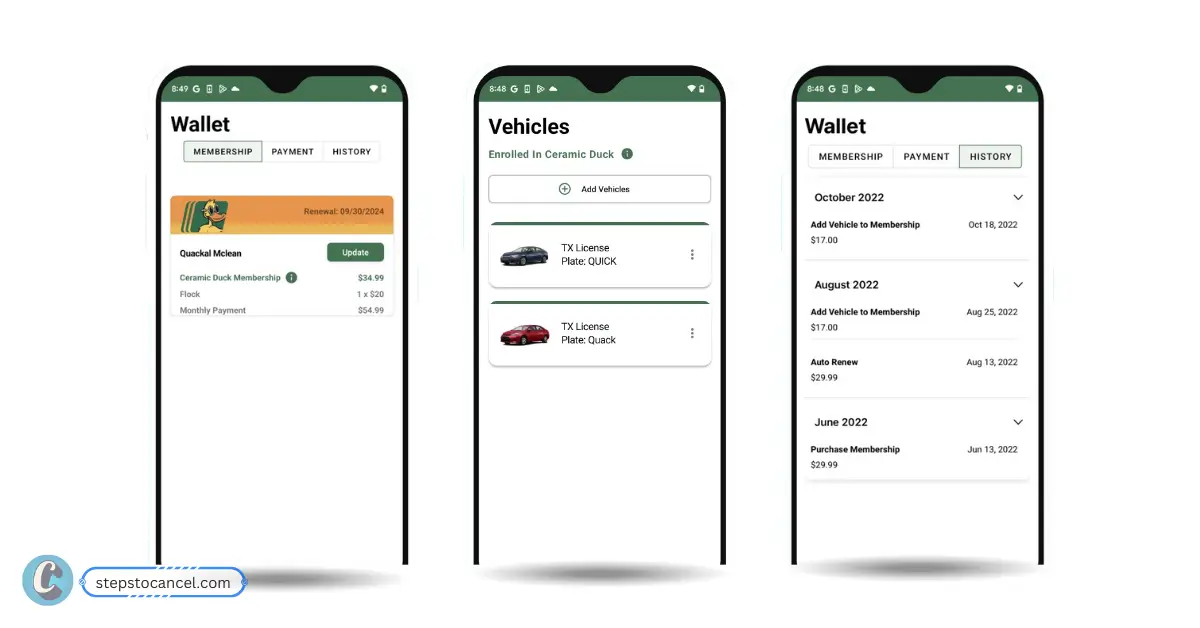 Open the app and sign in with the email or login method connected to your membership.
Find Your Membership
Go to your account or membership area and select the active Quick Quack membership you want to cancel.Open Cancellation Settings
Go to Account > Settings > Cancel Your Membership.Confirm Cancellation
Follow the prompts to confirm your cancellation. Then check your email for confirmation and save it.
Method 3: Cancel Quick Quack Membership by Phone
To you unable to cancel your monthly subscription contact Quick Quack Customer Care for help at 888-772-2792 available from 6:00 AM – 7:00 PM Pacific, hours may vary by location or holiday.
Before calling,keep Account Details ready for verification.
Ask the representative to cancel your membership and confirm that no future payments will be drawn. Before ending the call, request a confirmation email or write down the date, time, and name of the representative you spoke with.
Method 4: Cancel Quick Quack Membership by Email
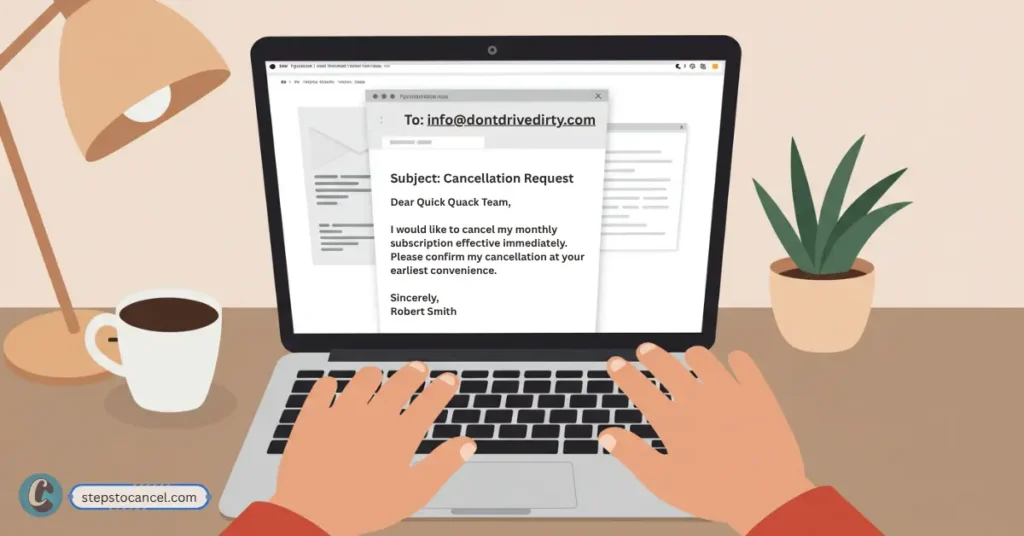
Quick Quack’s Terms of Service say you can cancel by giving notice at least 10 days before your renewal date by email at info@dontdrivedirty.com.
In your email, include your full name, phone number, email address, license plate or VIN, and the last 4 digits of the payment card on the membership. Ask Quick Quack to confirm the cancellation date and whether your membership will stay active through the end of the current paid period.
Quick Quack Cancellation Email Templates
Use these templates if you want written proof, need to follow up after calling, or were charged after submitting a cancellation request.
Quick Quack Cancellation Email Template
Subject: Request to Cancel Quick Quack Membership
Hello Quick Quack Customer Care,
I would like to cancel my Quick Quack Car Wash membership and stop any future payments.
My account details are:
- Full name:
- Email address:
- Phone number:
- License plate or VIN:
- Last 4 digits of payment card:
Please confirm by email once the membership has been canceled and let me know the final active date for my current paid period.
Thank you.
Method 5: Can You Cancel Through a Quick Quack Car Wash Location?
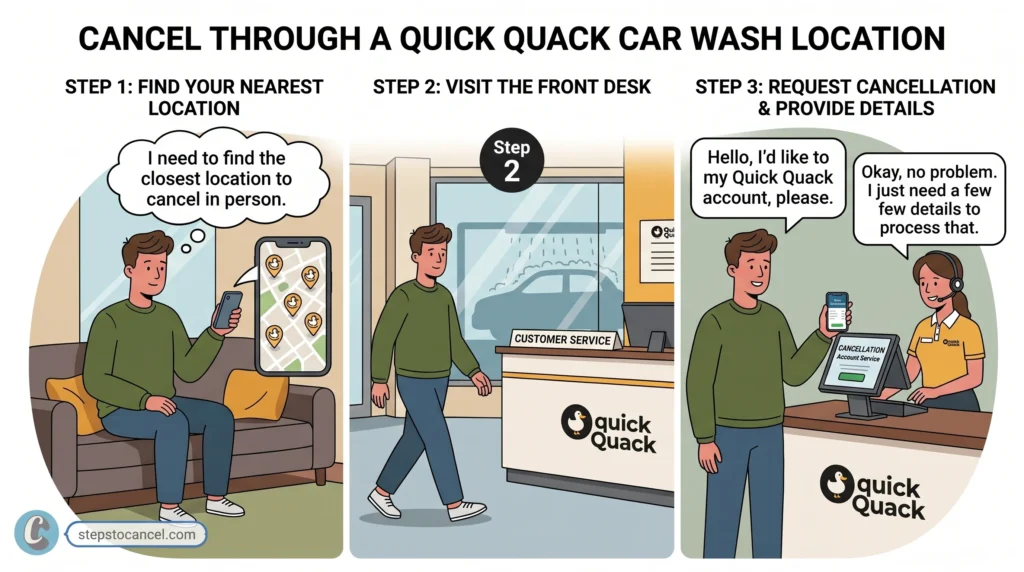
You can ask for help at a Quick Quack location, but in-person cancellation is not the best option if you need billing proof. Store team members may be able to guide you, but account changes and membership cancellation are safer through myQQ, email, or Customer Care.
If you visit a location, ask whether they can help submit the cancellation request and still follow up through myQQ or email. Keep written confirmation so you have proof that the membership was canceled.
After You Submit the Cancellation Request
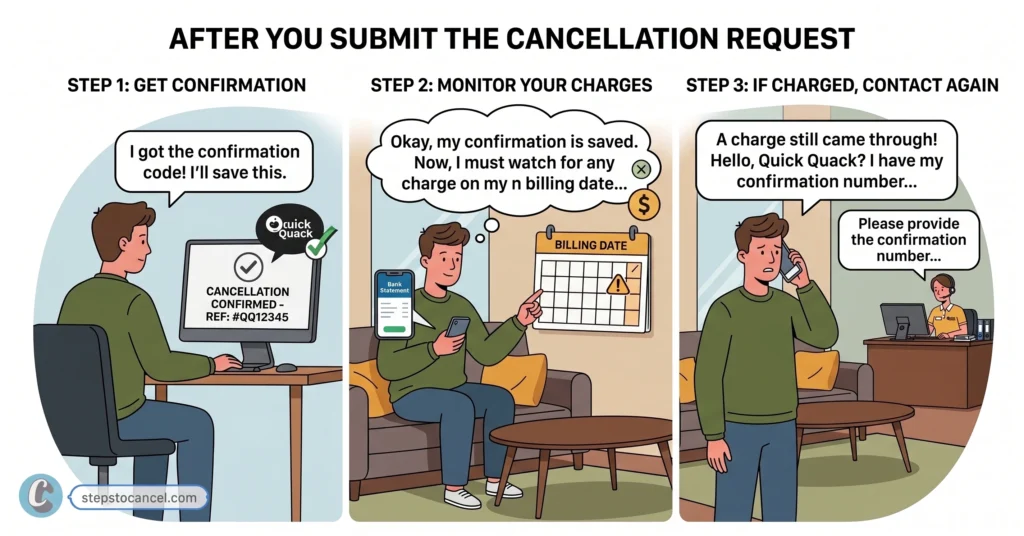
Once you cancel, your membership should remain active until the end of the current paid period. No further payments should be drawn after cancellation, but it is still smart to keep proof and check your next billing date.
- Save Your Confirmation: After canceling through myQQ or Customer Care, save any confirmation email, support reply, screenshot, or cancellation number you receive. This proof can help if your account is charged again or if the cancellation does not appear in your membership settings.
- Check Your Next Billing Date: Compare your cancellation date with your next renewal date. If your next billing date is close, contact Customer Care to confirm that the cancellation was processed before another payment is taken.
- Watch for Another Charge: Check your bank or card statement after the next renewal date. If you are charged after canceling, contact Quick Quack Customer Care with your confirmation proof and ask them to review the account.
Quick Quack Car Wash’s Cancellation Rules
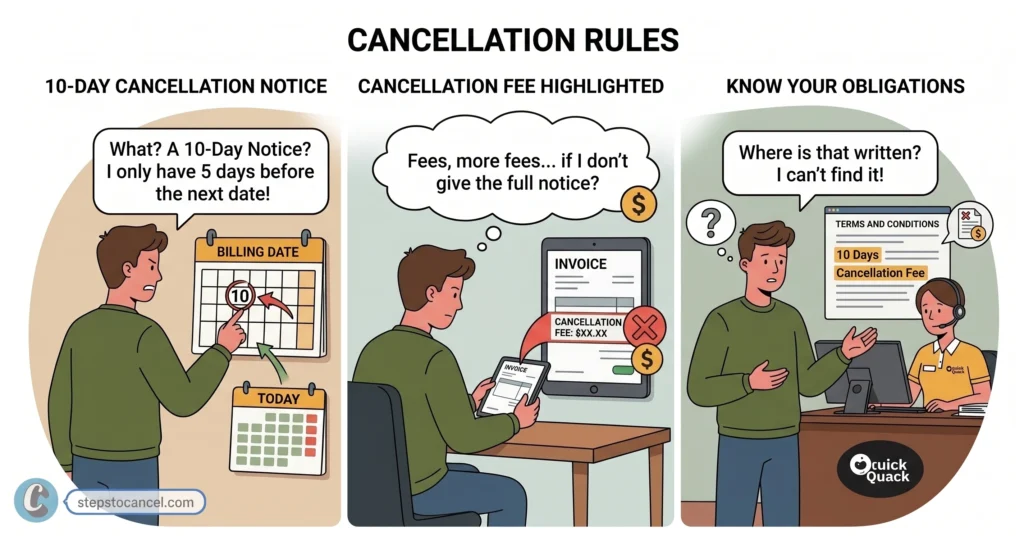
Quick Quack’s Terms of Service explain how Autopay memberships renew, how cancellation works, and when refunds or fees may apply.
1. 10-Day Cancellation Notice
Quick Quack requires you to cancel at least 10 days before your automatic renewal date (the day you get charged every month). If your next billing date is less than 10 days away, their system might still charge you.
2. No Refund Policy
Quick Quack does not give money back. If you cancel mid-month, your wash pass stays active until the end of your current billing cycle, but you won’t get a partial refund for unused days.
3. A Failed Payment Is Not a Cancellation
If your credit card expires, changes, or gets declined, your account is not canceled. Quick Quack might temporarily block your car wash access, but their billing system will keep trying to charge your card. You still have to officially cancel through the app or over the phone to stop future bills.
4. $5.00 Early Cancellation Fee
If you cancel your membership within 45 days of signing up, Quick Quack may charge you a $5.00 early termination fee. This means the fee may not apply to every account, but it can apply if you cancel soon after signing up.
5. You Cannot Pause or Freeze Your Account
You cannot freeze or pause your Car Wash Membership. If you want a temporary break, you have to cancel your account completely and rejoin later, or call Customer Care to see if they can offer a workaround.
Sources: Quick Quack FAQ and Quick Quack Terms of Service
Related Post: How to Cancel Go Car Wash Membership