How to Cancel Your Flagship Carwash Membership (Online Form, Portal or Phone)
To cancel a LUV Car Wash membership, log in to your account on LUV’s Manage Membership page and cancel there, or ask LUV customer support to cancel it by email at support@luvcarwash.com or by text or call: 904.774.2900 for Georgia, Florida and Pennsylvania, 805.900.3525 for California and Nevada. Do it at least three days before your next bill date. LUV gives no refunds or credits for partial months, so a late request means one more monthly charge.
Staff at the wash typically don’t process cancellations; LUV says they will give you a card with the support contacts or point you to the online account. Everything below comes from LUV’s help center (cancellation articles updated March 2, 2026), checked on October 5, 2026.
Have a membership with another chain? See our guide to cancel a Cobblestone Car Wash membership.
Cancellation Requirements
LUV’s membership terms include a 3-day cancellation policy: cancel at least three days before your next billing date, or that month’s charge goes through and is not refunded. Your bill date is the calendar day you signed up (for example, the 5th of every month); sign-ups on the 29th, 30th or 31st are billed on the 28th. If a pending charge already shows on your bank statement, LUV says that charge has been processed: you can keep washing, and the membership ends on the following month’s bill date.
To help Luv locate your account quickly—whether you’re emailing, texting, or speaking with a representative—make sure to include or be ready to provide the following details:
- Full name
- The location where you signed up or usually wash (street name, city and state)
- Your license plate number
- Sometimes, the last four digits of the billing card on file
How to Cancel Luv Car Wash Membership
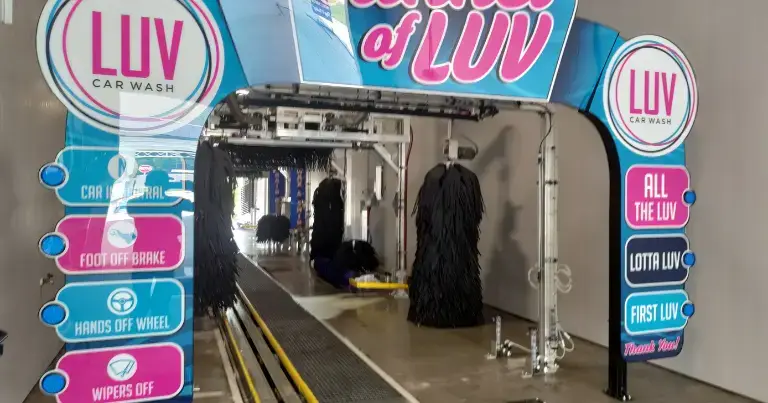
LUV’s help center lists three ways to cancel: your online account, email, or a text or call to the regional support number.
1. Cancel online in your LUV account
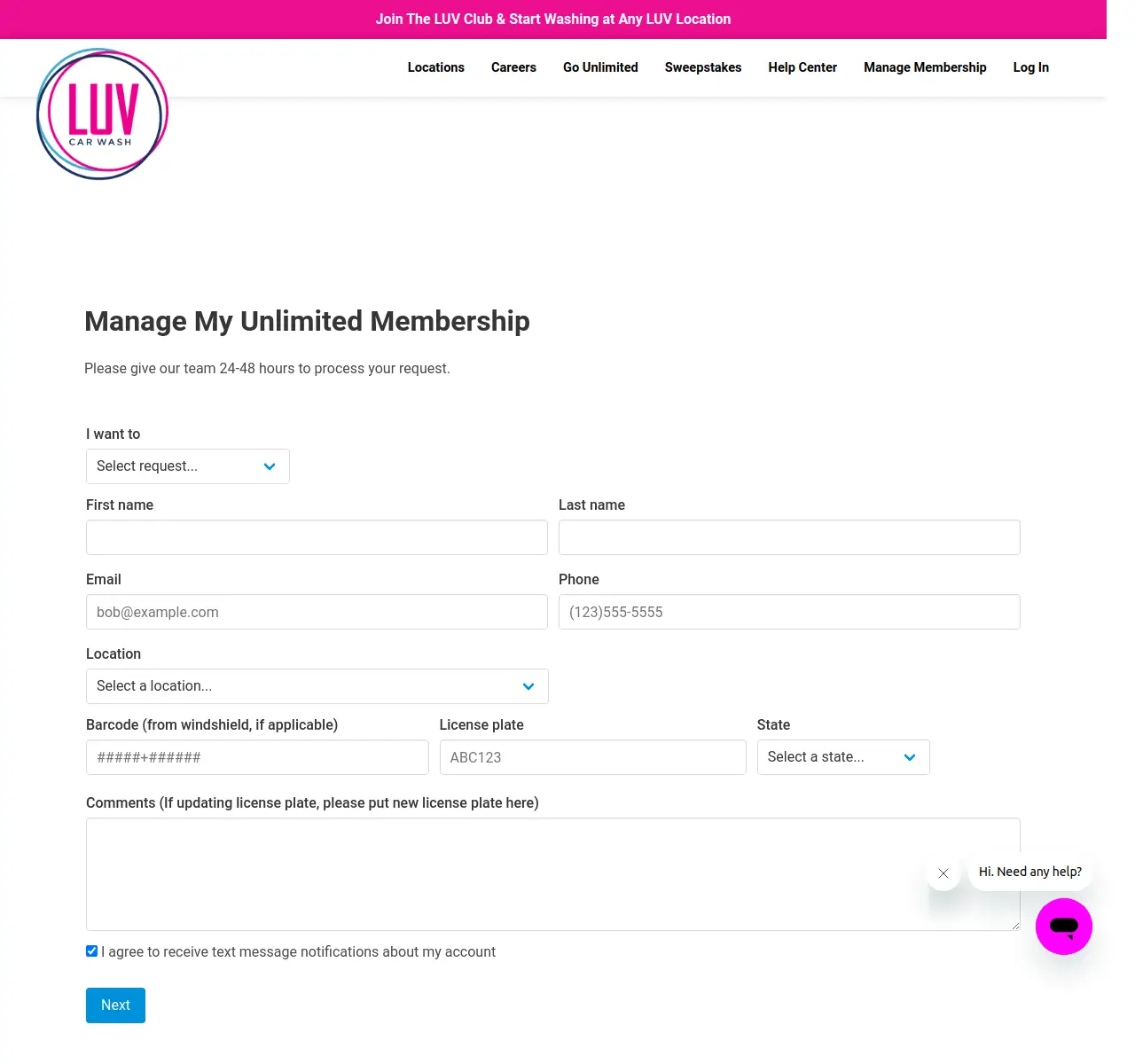
LUV recommends the online account for urgent requests and whenever you are within three days of your bill date:
- Open LUV’s Manage Membership page.
- Log in, or register an account if you haven’t yet. Have your license plate number ready.
- Open your membership and choose the option to cancel it.
- Save or screenshot the confirmation, and check that no new charge appears on your next bill date.
The account pages sit behind a login, so we could not check the exact button names. If you can’t find a cancel option, email or text support before the three-day cutoff and keep their reply.
If you think you were charged twice, contact support right away. LUV says it may ask for bank statements showing the cleared charges.
2. Cancel by text or phone
LUV’s support team takes cancellation requests by text or call on two regional numbers. A text also leaves you a written record of the date you asked.
Support hours are Monday through Friday, 9am–7pm EST:
- East Coast (Georgia, Florida, Pennsylvania): 904.774.2900
- West Coast (Nevada, California): 805.900.3525
BBB complaints filed between March and May 2026 describe charges that continued after members asked to cancel by phone or in person (checked October 5, 2026). Ask for written confirmation and keep it until your next bill date has passed.
3. Cancel via Email
To cancel your Luv Car Wash via email, send a cancellation request email to customer support at support@luvcarwash.com.
Below is a simple message LUV Car Wash Cancellation request email format:
Subject: Membership Cancellation Request

Dear Luv Car Wash Support,
I, [Your Name], am asking you to cancel my car wash membership before my next bill date. Here are my details:

Sign-Up Location: [Street, City, State]
License Plate Number: [Your Info]
Last 4 Digits of Billing Card: [Optional]

Please confirm this cancellation by email.

Thank you,
[Your Name]
[Your Phone or Email]
Email works outside support hours. If you are already within three days of your bill date, LUV recommends the online account instead so the change goes through before billing renews.
Ask LUV to confirm the cancellation in its reply, and keep a copy of your sent message.
If you also have a GO Car Wash membership, see our guide to cancel a GO Car Wash membership.
No reply and your bill date is close? Text the regional support number too, so the request is on record before the three-day cutoff.
LUV Car Wash customer support contacts
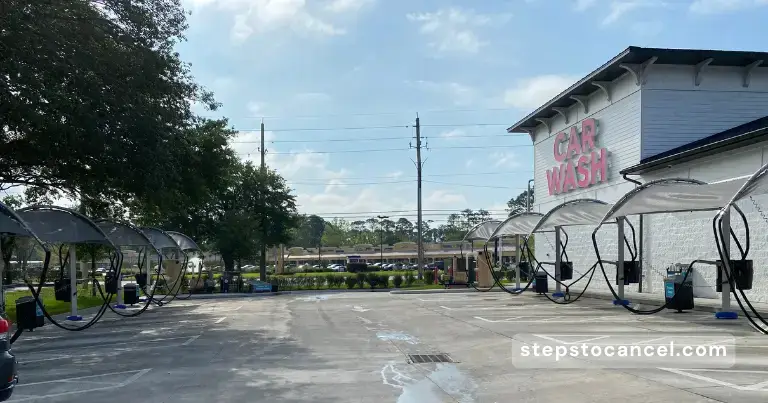
Your membership works at any LUV location in any market, but on-site staff typically don’t handle cancellations, so use the support contacts below. LUV lists 81 locations in California, Nevada, Florida, Georgia and Pennsylvania.
To find a specific wash, use LUV’s location finder.
| Information | Details |
|---|---|
| Online account | Manage Membership (login) |
| Support email | support@luvcarwash.com |
| Text or call: East Coast (GA, FL, PA) | 904.774.2900 |
| Text or call: West Coast (NV, CA) | 805.900.3525 |
| Support hours | Monday–Friday, 9am–7pm EST |
FAQs
How do I cancel my LUV Car Wash membership?
Log in to your account on LUV’s Manage Membership page and cancel there, or ask customer support by email (support@luvcarwash.com), text or phone (904.774.2900 East Coast, 805.900.3525 West Coast). Do it at least three days before your next bill date.
Are there any cancellation fees?
LUV’s help center does not list a cancellation fee and describes memberships as “No contracts, cancel anytime!” The cost to watch is timing: a request made less than three days before your bill date means one more monthly charge.
When will I be billed each month?
On the same calendar day you signed up. If you signed up on the 29th, 30th or 31st, you are billed on the 28th from then on.
Do I get a refund if I cancel in the middle of a month?
No. LUV says the plan stays in effect for 30 full days and gives no refunds or credits for partial periods. You can keep using the membership until it ends. Contact support if you think you were charged twice.